Can You See Who Views Your Instagram Profile? (2026 Guide)
Can you see who views your Instagram profile? We see this question constantly, and the answer is straightforward: no, you cannot. Instagram does not show you who visits your profile. Not on personal accounts, not on business accounts, not with any app or trick.
But there is a lot of misinformation out there, especially from sketchy apps that promise profile viewer lists in exchange for your login credentials. We want to clear the air, explain what Instagram actually tracks versus what it does not, and show you how to browse other people's profiles without leaving a trace.
The Definitive Answer: No
As of 2026, Instagram provides zero information about who specifically visits your profile page. This applies across the board:
- Personal accounts - No profile view data of any kind
- Business accounts - Only a total visit count (like "347 visits this week"), never individual names
- Creator accounts - Same as business, aggregate numbers only
There is no hidden setting. There is no secret feature you need to unlock. Instagram has been clear about this since the platform launched.
What Instagram Actually Tracks
Instagram does track viewer information for some types of content. Here is the full picture so you know what is visible and what is not.
Where Instagram Shows Individual Viewers
Stories - When you post a story, you can swipe up and see every single account that viewed it. This is the only place on Instagram where individual viewers are listed. It is also why people want to view stories anonymously - because it is the one feature that outs you.
Instagram Live - While you are broadcasting, you can see who joins your stream in real time.
Where Instagram Shows Only Numbers
Reels - Total view count, but no viewer list Video posts - Same as Reels, just a count Profile visits (Business/Creator only) - A total number over 7, 14, or 30 days
Where Instagram Shows Nothing At All
- Profile visits (personal accounts) - Zero data
- Photo post views - No tracking at all. You only see likes and comments.
- Highlights - No viewer list, unlike regular stories. This is why browsing highlights is a safe way to check out someone's saved content.
- Followers/Following lists - Nobody knows if you scrolled through their follower list
The Professional Account Difference (It Is Less Than You Think)
A lot of articles online suggest switching to a Business or Creator account to "unlock profile views." This is misleading. Here is what you actually get:
What You DO Get
Instagram Insights gives Professional accounts a "Profile Visits" metric. It is a single number: "X visits in the last 7/14/30 days." For example, "1,247 profile visits this week."
You also get content reach, follower demographics, and engagement metrics. Useful stuff for creators and businesses, but none of it tells you WHO visited.
What You Do NOT Get
- Which specific accounts visited your profile
- When those visits happened
- How long anyone spent on your page
- What content they looked at
- Whether they came from search, explore, or a direct link
It is strictly a number, not a list. Switching to a Professional account will not reveal your stalkers, sorry.
Why Profile Viewer Apps Are Always Scams
We feel strongly about this because these apps actively harm people. They steal credentials, harvest data, and charge money for made-up results. Here is why none of them can possibly work:
The Technical Reason
Instagram's API does not provide individual profile view data. This data does not exist in any form that an app can access. No amount of clever coding can pull data that Instagram does not collect. It is like asking an app to tell you what someone dreamed about last night. The information simply is not there.
What These Scam Apps Actually Show You
We have tested several of these apps (with burner accounts, of course) and they all use the same tricks:
- Your most-interacted accounts - They show people you frequently like, comment on, or DM, and relabel them as "profile viewers"
- Random followers - Some just shuffle your follower list and display it as "recent visitors"
- Paywall bait - A fake loading screen, then a popup saying "Subscribe for $4.99/week to see your viewers." There are no viewers. They take your money and show you nothing.
The Real Dangers
- Account theft - They ask for your Instagram password. Once they have it, they can lock you out, post spam, or sell your credentials
- Data harvesting - Your contacts, location, browsing data, all collected and sold
- Instagram ban - Instagram detects unauthorized third-party access and may permanently disable your account
- Financial loss - Subscription fees for a service that does not and cannot work
Bottom line: if an app says it can show you who viewed your Instagram profile, it is a scam. Every single time. Do not give them your password or your credit card.
How to Browse Other People's Profiles Without a Trace
Here is the flip side of the profile views question. Since Instagram does not track profile views, that means nobody can see when you visit their profile either. But there are some actions that do reveal you were looking:
Things That Will Out You
- Viewing their story - Your name shows up in the viewer list (use our story viewer to avoid this)
- Liking a post - They get a notification
- Commenting - Visible to everyone
- Following them - They get a notification
- Accidentally double-tapping - We have all been there, panic-unliking a photo from 2019
Things That Are Completely Invisible
- Visiting their profile page
- Scrolling through all their posts
- Reading their bio
- Checking their followers and following lists
- Viewing their highlights (unlike regular stories, no viewer list)
- Taking screenshots of posts
The Safest Approach
If you want zero risk of accidentally liking something or showing up in a story viewer list, browse the profile outside of Instagram entirely. That is actually why we built StoriesDown. You can view any public profile's photos, reels, stories, and highlights without ever opening Instagram. No accidental likes, no story views, no trace.
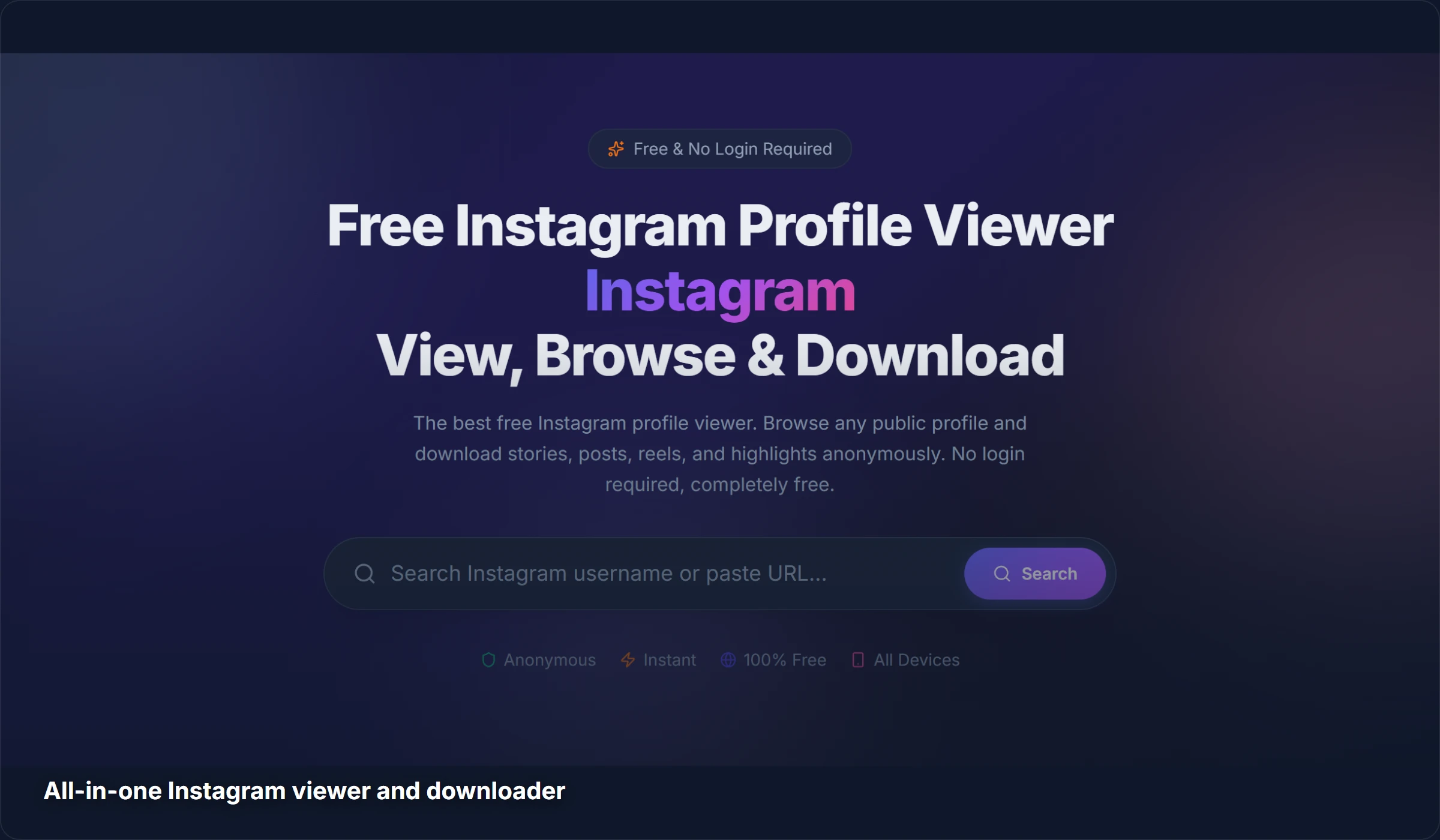
We are not saying you need a tool just to look at someone's profile (Instagram does not track that anyway). But if you also want to check their stories or you want to download content, doing it outside of Instagram keeps things cleaner.
Will Instagram Ever Add Profile View Tracking?
We think it is extremely unlikely, and here is why:
- It would kill engagement - If people knew their profile visits were tracked, they would browse less. Less browsing means less engagement, which means less ad revenue for Meta
- Every other platform avoids it - Facebook removed profile view features years ago. Twitter/X never had it. TikTok does not show it. The industry consensus is that it hurts more than it helps
- Safety concerns - Profile view tracking enables stalking and obsessive monitoring. Instagram would face serious backlash
- LinkedIn is the exception, not the rule - LinkedIn shows profile viewers because it is a professional networking site where visibility is a feature. Instagram is a social platform where casual browsing is the norm
Related Guides
Check out more of our guides on Instagram privacy:
- How to View Instagram Stories Anonymously - 5 free methods to watch stories without appearing in the viewer list
- Does Instagram Have Profile Views? - A deeper dive into how Instagram analytics work
- How to Download Instagram Reels in HD - Save any Reel to your device in original quality
Frequently Asked Questions
Does Instagram notify someone when you view their profile?
No. Instagram sends no notification, alert, or indication when someone visits your profile page. They have no way to know you were there unless you interact with their content (like a post, view a story, leave a comment, etc.).
Can Instagram Business accounts see who viewed their profile?
No. Business and Creator accounts see a total number of profile visits (for example "342 visits this week"), but they cannot see which specific accounts those visits came from. It is an aggregate metric, never a list of names.
Are "Who Viewed My Profile" apps legit?
No, they are all scams. Instagram's API does not provide individual profile view data, so it is technically impossible for any app to show this information. These apps either show fake data or exist solely to steal your login credentials and charge fraudulent subscription fees.
Is there any way to know if someone looked at my Instagram?
The only reliable signal is direct interaction. If someone likes your post, comments, watches your story, follows you, or sends a DM, they were obviously on your profile. But a visit with no interaction is completely invisible. Instagram does not track it.
Can I browse someone's Instagram without them knowing?
Yes. Visiting someone's profile, scrolling their posts, and reading their bio is completely invisible on Instagram. The only exception is stories, where your name appears in the viewer list. For anonymous story viewing, you can use our Story Viewer which keeps you off the list entirely.
Want to browse Instagram profiles without any risk? Try StoriesDown - we built it specifically for private, anonymous browsing. View profiles, stories, reels, and more. Free, no login, no trace.