Can you see who viewed your Instagram Reel?
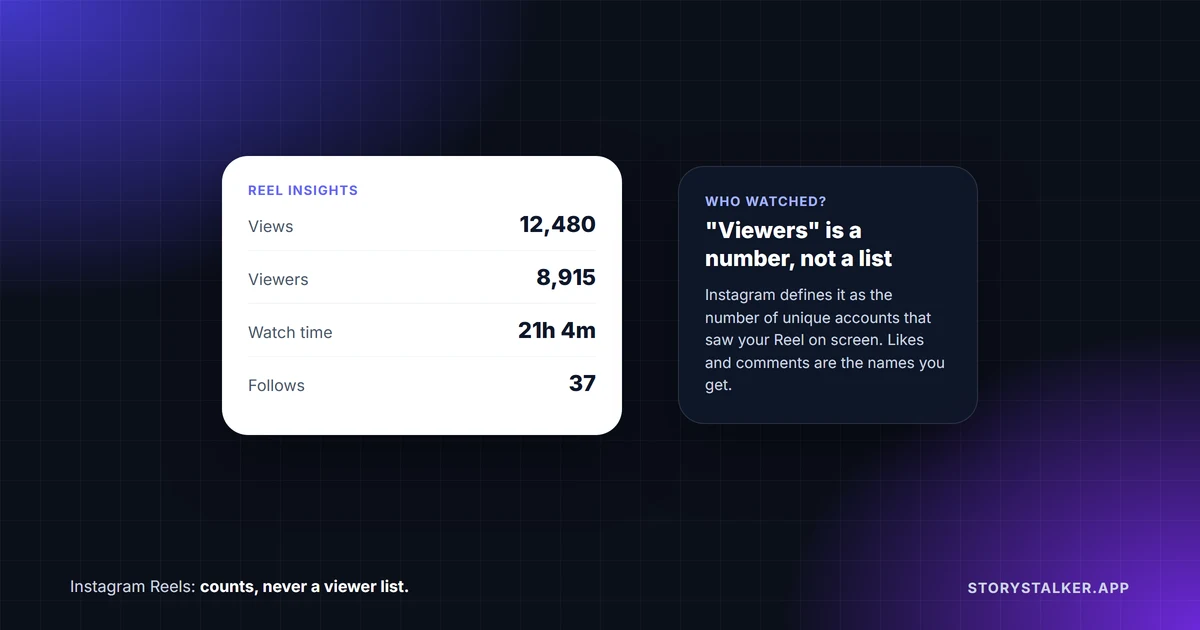
No. Instagram doesn't show anyone a list of who watched their Reel. Reel insights are numbers: Views, Watch time, Viewers, Average watch time and Follows.1 The metric called "Viewers" sounds like a list, but Instagram defines it as "The number of unique accounts that have seen your reel on screen at least once."1 It's a count.
Watching a Reel, even several times, doesn't put your name anywhere the creator can see. Liking or commenting does. For simply watching, stories are where Instagram gives the poster a list of usernames, and that list is available for 48 hours.2
| What you do on someone's Reel | Can they see it was you? |
|---|---|
| Watch it, once or many times | No. It adds to their view count1 |
| Like it | Yes. Your like shows on the Reel, and your friends may see it in their Friends tab3 |
| Comment | Yes |
| Repost it | It appears in a Reposts tab on your profile. Instagram doesn't document alerting the creator4 |
| Share it to your story | No. "You won't be able to see who has reshared your reel"5 |
| Share it in a DM | Instagram doesn't document showing the creator who did |
What Reel insights show
To see them, your account has to be public: "You need to have a public (personal or professional) account on Instagram to view insights."1 Open the Reel from your profile and tap View insights.1 Instagram lists these:1
- Views: "The number of times your reel starts to play or replay."
- Watch time: the total time it was played, including replays.
- Viewers: "The number of unique accounts that have seen your reel on screen at least once, whether or not your reel was played." Instagram adds that this metric "is estimated and in-development."
- Average watch time: watch time divided by the number of first plays.
- Follows: "how many accounts started following you as a result of viewing your reel."
Insights are available "for up to two years after the reel's original publish date."1
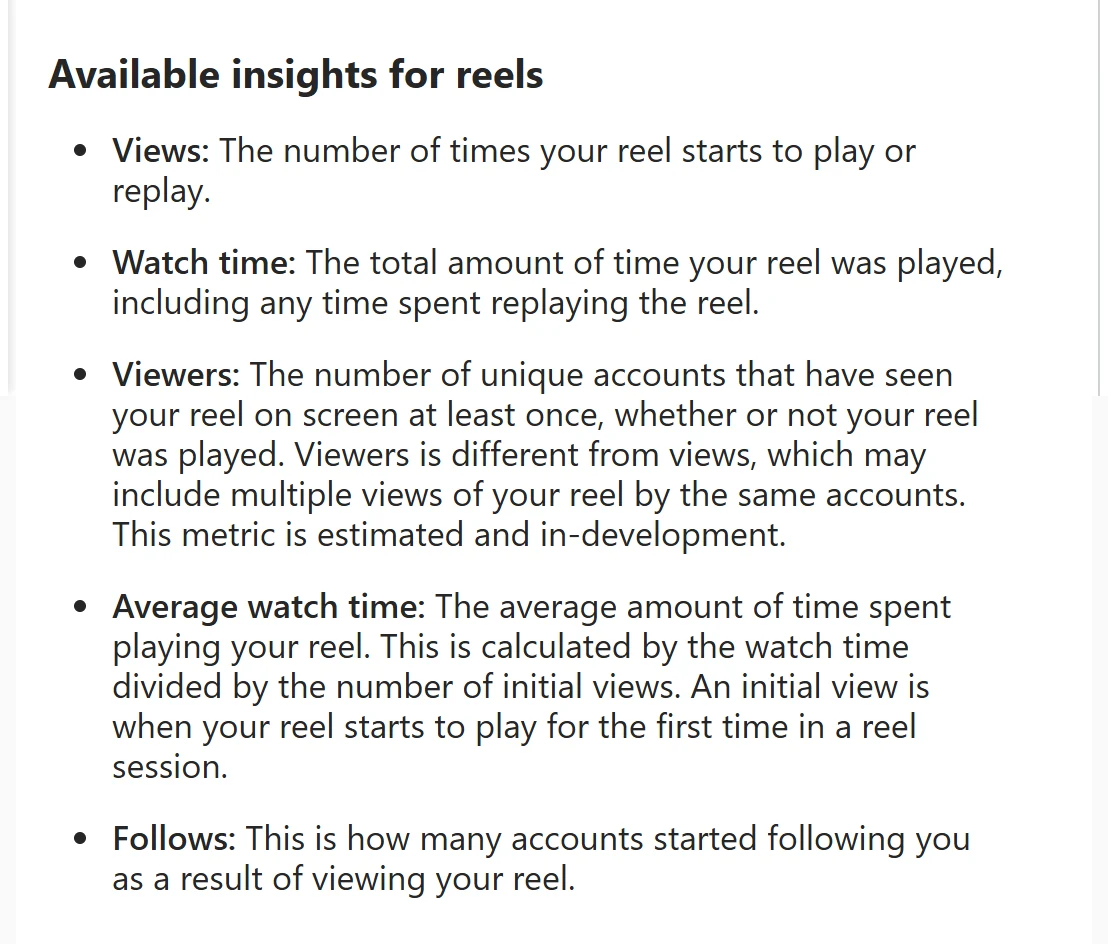
The difference between Views and Viewers explains most confusion about Reel numbers. One person watching your Reel five times adds five Views but should count as one Viewer (Instagram describes Viewers as an estimate). Instagram also counts someone as a Viewer if your Reel appeared on their screen, even if it never played.1 Neither number comes with names, and Meta's developer documentation for Reel metrics lists only totals too.6
Older guides use labels such as "Plays" and "Accounts reached." The Help Center's current list is Views, Watch time, Viewers, Average watch time and Follows.1
Who can see your view counts
On a professional account's profile, "only you can see how many views your posts and reels get on your grid," but "Anyone can see view counts on your Reels tab."7 To hide them, turn on Hide view counts: then "no one can see them on your Reels tab," and you stop seeing view counts anywhere yourself.7
What gives viewers away
Passive watching is anonymous. Interacting isn't:
- Likes and comments are visible on the Reel. Instagram launched a Friends tab in Reels worldwide in August 2025, "where you can see the content your friends have liked, created, reposted or commented on," so your likes can surface for your friends.3 Meta added a control to "hide your own likes and comments on reels" from that tab.3
- Reposts show on your profile. "Reposts will be recommended to your friends' and followers' feeds, and they'll also be in a separate tab on your profile."3 4 Neither page says the original creator is told who reposted.
- Reshares aren't listed for the creator. Instagram says "You won't be able to see who has reshared your reel or where they have shared it to."5 It doesn't document what it shows for Reels sent in DMs.
If a creator shares their own Reel to their story, people who watch that story are listed in the story viewer list for 48 hours, like any story, apart from Instagram Plus subscribers who only preview it.2 That list belongs to the story, not the Reel.
Apps that claim to show Reel viewers
Some apps and sites promise a list of who watched your Reels. Instagram doesn't give anyone that data: the insights it offers, in the app and through Meta's developer API, are counts.1 6 Apps that ask for your Instagram password to show you viewers put your account at risk. We cover how these apps work in does Instagram have profile views.
Frequently Asked Questions
Can someone see if I watched their Reel?
No. A watch adds to their Views and Viewers counts without your name.1 Liking or commenting is visible.
Can someone see if I watched their Reel more than once?
No. Repeat plays raise the Views count, but nothing tells them who replayed it.1
What's the difference between views and viewers on a Reel?
Views count every time the Reel "starts to play or replay." Viewers count unique accounts that saw it on screen at least once, whether or not it played.1
Does a Reel view count if I only scroll past?
It can count you as a Viewer, since that metric includes accounts that saw the Reel on screen "whether or not your reel was played." A View needs the Reel to start playing.1
Can I see who shared my Reel?
Not for reshares. "You won't be able to see who has reshared your reel or where they have shared it to, regardless of whether you have a private or public account."5 Reposts show on the reposter's own profile.4
Can people see my view counts?
On your Reels tab, yes, unless you turn on Hide view counts. On your grid, only you see them. Instagram says you need a professional account to see view counts on your profile.7
Sources
All pages were read on 8 October 2026. Help Center pages show no revision date.
- Instagram Help Center, View insights on your Instagram reels.
- Instagram Help Center, How to tell who's seen your Instagram story.
- Meta Newsroom, New Instagram Features to Help You Connect, 6 August 2025.
- Instagram Help Center, Repost a reel or a post on Instagram.
- Instagram Help Center, Share someone's post from feed to your Instagram story.
- Meta for Developers, Instagram Media Insights.
- Instagram Help Center, Show or hide view counts on your Instagram profile.
The StoryStalker editorial team
StoryStalker runs a viewer for public Instagram content, so we follow how Instagram works and how it changes more closely than most people would want to. Each guide is built from Instagram's Help Center, Meta's announcements and developer documentation, and named reporting, and every claim links to the page it came from. When Instagram doesn't document something, we say so instead of guessing. Spotted something out of date? Tell us and we'll fix it.
Published July 11, 2026 · Updated October 8, 2026 · How we work
Keep reading
Do Instagram story viewers appear in order?
Instagram explained the viewer list once, in 2018: the top isn't who stalks you most. What's on record, the 50-viewer rule, and what Instagram Plus changed.
7 min readDoes Instagram have profile views?
Instagram counts profile visits but never shows who made them, on any account. Where the count lives, what does give you away, and where the 14-day rumor began.
21 min readHow to tell if someone blocked you on Instagram
Instagram never tells you that you've been blocked, and a block can look like a deactivated account. Checks that tell them apart, and signs that mean nothing.
8 min read