Creating content
Most Instagram content fails for boring, fixable reasons — the wrong aspect ratio, a first line that gives away the ending, a carousel whose slide one asks for a swipe it hasn't earned, a video that got crushed on upload because it was exported at the wrong resolution.
These guides are about that layer: the specifications, the structure, and the production habits that make posting sustainable rather than a weekly panic.
20 guides in this topic.

How to Repurpose One Piece of Content Across Instagram
Making something new every day isn't sustainable. Here's how to turn one idea into a Reel, a carousel, a Story series and a set of clips — without it feeling recycled.

How to Make Instagram Carousels People Actually Swipe Through
Carousels are the best format on Instagram for saves and time-on-post — but only if people get past slide one. Here's how to structure all ten.

How to Build an Instagram Content Calendar You'll Actually Stick To
Most content calendars die in week three. Here's a lightweight system built around content pillars and batching that survives a real schedule.

How to Write Instagram Captions That Actually Get Engagement
Most captions are wasted space. Here's how to structure the first line, the body, and the ask so people stop scrolling, read, and respond.

How to Use Instagram Without the App (Browser Guide)
You don't need the Instagram app to browse profiles, watch stories, or save posts. Here's everything you can do with Instagram straight from your browser.

How to Make a Photo Dump on Instagram (That People Love)
The Instagram photo dump is the casual carousel everyone loves. Here's how to make a good one — order, editing, captions — plus how to save your favorites.

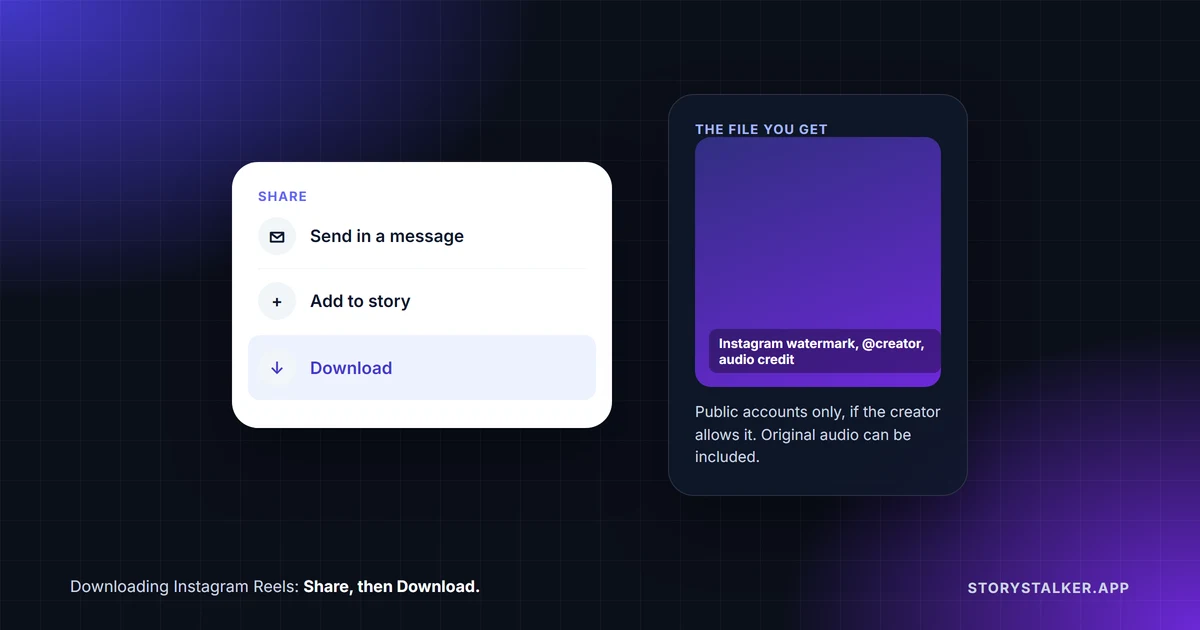
How to Save Instagram Reels to Watch Offline
Going somewhere with no signal? Here's how to save Instagram Reels as real video files you can watch offline anytime — no app, no watermark, no login.

How to Repost on Instagram Without Losing Quality
Reposting someone's photo or Reel usually crushes the quality. Here's how to reshare Instagram content the right way — and keep it crisp — plus etiquette tips.

The Best Time to Post on Instagram (What Actually Matters)
There's no universal 'best time' to post on Instagram — but there are smart windows and a reliable way to find yours. Here's how to time posts for real reach.

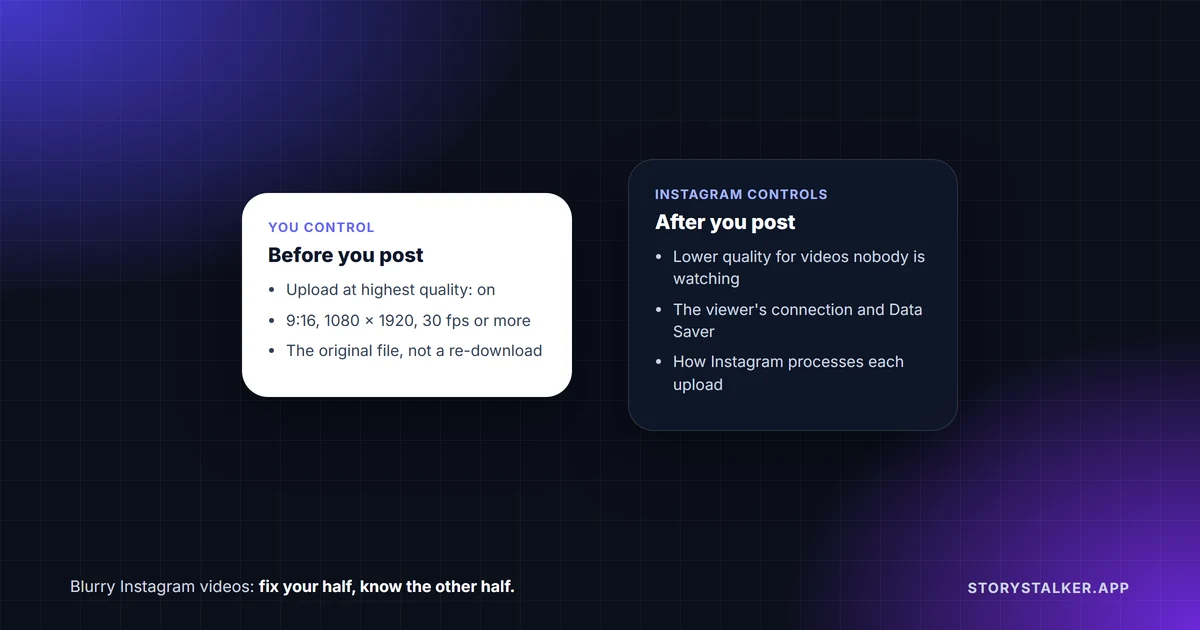
Why Are My Instagram Videos Blurry? (And How to Fix It)
Uploaded a crisp video and Instagram made it blurry? Here's why it happens - compression, resolution, upload settings - and how to get sharp video every time.

Reels vs Stories vs Posts: What's the Difference?
Reels, Stories, and Posts each do something different on Instagram. Here's a clear side-by-side breakdown of how they work, how long they last, and when to use each.

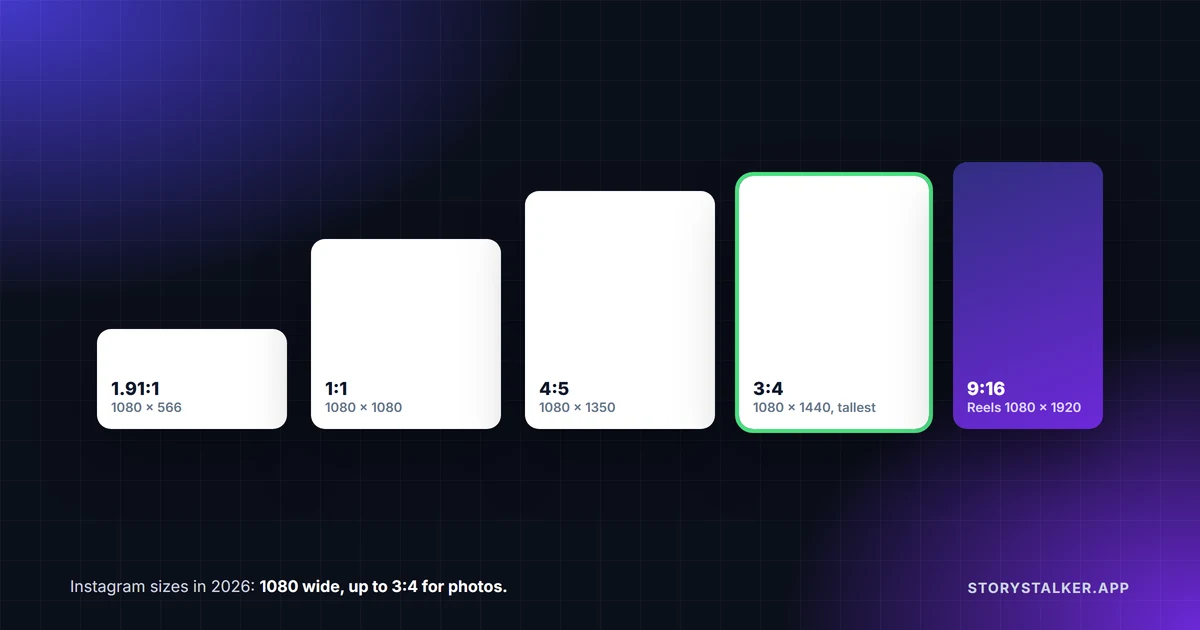
Instagram Photo & Video Size Guide (2026 Cheat Sheet)
The exact dimensions and aspect ratios for Instagram posts, Stories, Reels, and profile pictures in 2026 — so your content always looks sharp and uncropped.

What Is Close Friends on Instagram? (Green Ring Explained)
That green ring around a story means it was shared to Close Friends only. Here's how the Close Friends list works, who can see it, and how to use it.

How to Tell If Someone Blocked You on Instagram
Can't find someone's profile anymore? Here are the reliable signs that you've been blocked on Instagram — and how to tell blocking apart from a deleted account.

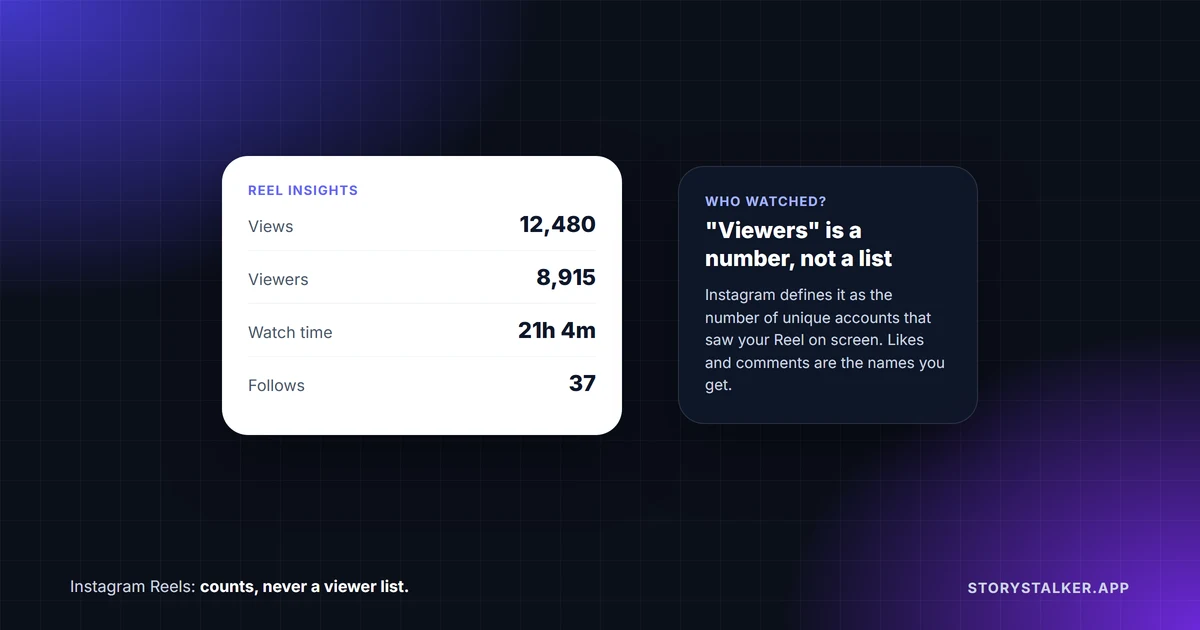
Can You Tell Who Viewed Your Instagram Reel?
Reels show a view count — but can you see the actual list of people who watched? Here's what Instagram reveals about Reel viewers, and what it hides.

How to Save Instagram Reels to Your Camera Roll on iPhone
Save any Instagram Reel straight to your iPhone's camera roll as an MP4 — no watermark, no app to install, no login. A quick Safari-friendly walkthrough.

How to Download Instagram Videos on Android (No App)
Save Instagram videos and Reels directly to your Android phone's gallery as MP4 files — free, no watermark, and no sketchy app to install. Here's the method.

How to Download Instagram Videos in Original Quality (2026)
Save any Instagram video, IGTV, or video post as an MP4 in its original quality — no watermark, no login, on any device. A simple step-by-step guide.

How to Download Instagram Reels in HD (No Watermark)
How to save an Instagram Reel as an MP4 at the quality it was uploaded in — the options that exist, what each one costs you in quality, and why some downloads look worse than the original.

Can You See Who Views Your Instagram Profile? (2026 Guide)
Instagram does not show who views your profile — on any account type. Here is what it does track, why viewer apps cannot work, and what genuinely reveals that you looked.