Does Instagram Have Profile Views? Everything You Need to Know
Does Instagram have profile views? Sort of, but probably not in the way you are hoping. Instagram does track profile visits, but only as a total number for Business and Creator accounts. If you are looking for a list of names showing who checked out your profile, that does not exist. Not on any account type. Not with any app.
We run a tool that lets people browse Instagram profiles privately, so we think about this topic a lot. Here is the full breakdown of how Instagram profile analytics actually work, what you can and cannot see, and why the whole "profile viewer" app industry is built on lies.
The Short Version
| Account Type | Can You See Total Profile Visits? | Can You See WHO Visited? |
|---|---|---|
| Personal | No | No |
| Business | Yes (aggregate number) | No |
| Creator | Yes (aggregate number) | No |
That is the complete picture. No account type on Instagram reveals individual profile viewers. Ever.
Personal Accounts: No Profile View Data
If you have a standard personal Instagram account, you get absolutely nothing related to profile views. No counter, no history, no metrics. Instagram does not expose this data in any form.
You can see:
- How many followers you have
- Who liked your posts
- Who commented on your posts
- Who viewed your stories (the one exception where Instagram shows individual viewers)
But profile visits? Nothing. Zero.
Business and Creator Accounts: The Numbers (But Not the Names)
Switching to a Professional account (Business or Creator) unlocks Instagram Insights. This is a built-in analytics dashboard that shows several useful metrics:
Profile Visit Metrics You Get
- Total profile visits over the last 7, 14, or 30 days
- Day-by-day breakdown showing which days had the most visits
- Comparison to previous period (like "23% more profile visits than last week")
For example, your Insights might say "1,847 profile visits in the last 30 days" with a graph showing that Tuesday and Saturday were your peak days.
What You Absolutely Do NOT Get
- Which accounts visited your profile
- At what time individual visits happened
- How long anyone spent on your page
- What they looked at (posts, bio, highlights, etc.)
- Whether they came from search, explore, hashtags, or a direct link
- Whether they visited once or multiple times
People see the "Profile Visits" metric in Insights and assume there must be a way to drill down to individual viewers. There is not. The number is the number, and that is all you get.
How to Check Your Profile Visit Count
If you have a Professional account:
- Go to your profile
- Tap "Professional dashboard" or "Insights"
- Look under "Overview" or "Accounts reached"
- Find "Profile visits" in the metrics list
If you are on a personal account and want to see this number, you can switch to a Professional account for free in your settings. Go to Settings > Account > Switch to Professional Account. You can always switch back.
Is It Worth Switching Just for Profile Visit Counts?
Honestly, the profile visit count on its own is not that useful without context. Knowing you had 500 visits this week does not tell you much unless you can correlate it with specific content you posted or an event that happened.
The other Insights metrics (reach, engagement rate, follower demographics) are more actionable, especially if you are a content creator or running a business.
Why Instagram Keeps Profile Views Private
Instagram has never shown individual profile viewers, and here is why that is probably the right call:
It Would Reduce Browsing
Think about how you use Instagram. You probably tap through dozens of profiles casually - someone a friend tagged, a recommended account, a person who commented on a post you liked. If every one of those visits was logged and shown to the account owner, you would browse way less. That means less time on the app, fewer ad impressions, and less revenue for Meta.
It Enables Bad Behavior
Profile view tracking has a dark side. It can fuel:
- Obsessive monitoring of whether a specific person is looking at your profile
- Confrontations ("I saw you checked my profile 5 times this week")
- Stalking patterns and harassment
- Anxiety about being watched while casually browsing
Instagram has enough problems with mental health impact. Adding profile view tracking would make things worse.
No Other Major Platform Does It
- Facebook removed profile view features years ago
- Twitter/X has never shown profile viewers
- TikTok does not show who views your profile
- Snapchat does not show profile visits (only story views and friend list changes)
- LinkedIn is the only exception, and even LinkedIn lets you go anonymous in your settings
The industry consensus is clear: showing individual profile viewers hurts more than it helps.
The "Profile Viewer" App Scam Industry
We need to talk about this because people are still falling for it. There are hundreds of apps on the App Store and Google Play claiming to reveal who viewed your Instagram profile. Every single one is a scam.
Why They Cannot Work
Instagram's API (the interface that allows third-party apps to interact with Instagram) does not provide individual profile view data. This is not a limitation that can be worked around with clever programming. The data literally does not exist in any form that an app can access.
It is like an app claiming to tell you what color someone was thinking about yesterday. The information does not exist anywhere, so no app can retrieve it.
What These Apps Actually Do
We tested a few of the popular ones (with burner accounts, not our real ones):
"Followers Analyzer" type apps - Show you who unfollowed you, who does not follow you back, etc. These are legitimate features using public follower data, but they market themselves with "See who viewed your profile!" to get downloads. The profile viewer part is fake.
"Profile Viewer" apps with paywalls - Show a fake loading animation, claim to have found "23 profile viewers," then ask you to pay $4.99/week to see the results. There are no results. They take your money and show you random followers.
Apps that ask for your Instagram password - These are the most dangerous. They steal your credentials, and you might find your account posting spam, locked out, or permanently disabled.
Protect Yourself
- Never enter your Instagram password in a third-party app that is not the official Instagram app
- Check reviews carefully - Look for patterns of people saying "it just shows random followers" or "it charged me and showed nothing"
- Report these apps - Flag them on the App Store or Google Play to help protect others
How to Browse Profiles Without Any Trace
Since Instagram does not track profile views, nobody can see when you visit their profile anyway. But there are a couple of things that CAN reveal you were looking:
The Story Trap
The biggest way people accidentally out themselves: viewing someone's story. You casually visit a profile, see they have an active story ring, tap on it without thinking, and bam - your name is in their viewer list.
If you want to avoid this entirely, use our Story Viewer to check if someone has active stories before you decide whether to engage. Your name never appears in the viewer list because your Instagram account is not involved.
The Accidental Like
We have all done it. You are scrolling through someone's photos from 2019 and your thumb slips. Instant heart. Instant panic. They get a notification, and there is no un-liking fast enough to undo the damage.
If you want to browse someone's posts without any risk of accidental interaction, you can use our Photo Viewer or Reels Viewer. Browse their entire gallery outside of Instagram where there are no double-tap dangers.
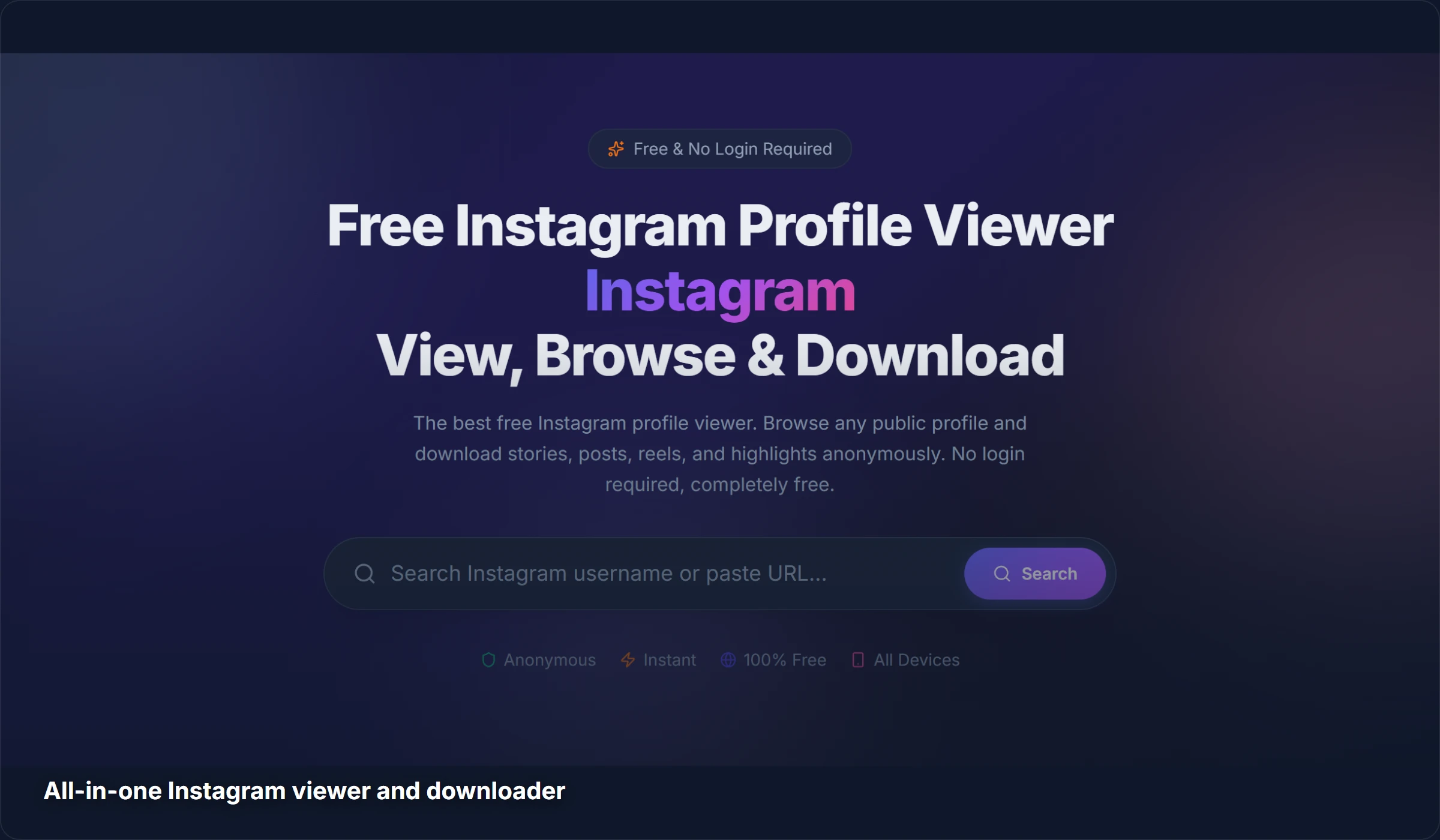
We are not saying you need a tool just to visit a profile (Instagram does not track that). But for stories and for clumsy-thumbed browsing, having an external viewer keeps you safe.
Instagram Analytics That Actually Matter
If you are a creator or business owner reading this because you want to understand your audience better, here are the Insights metrics that are actually useful (unlike the vague profile visit count):
- Accounts Reached - How many unique accounts saw your content. More actionable than profile visits because it shows content performance, not just curiosity
- Content Interactions - Likes, comments, shares, and saves per post. Shows what resonates with your audience
- Follower Growth - Net follower change over time. A better indicator of whether your content strategy is working
- Top Posts/Reels - Which content performed best. Double down on what works
- Audience Demographics - Age, gender, location, and active hours. Helps you post at the right time
Profile visit counts are a vanity metric at best. Focus on the metrics that help you make better content decisions.
Related Guides
Interested in more Instagram privacy and download guides?
- Can You See Who Views Your Instagram Profile? - A complementary guide focused on the "who viewed my profile" question
- How to View Instagram Stories Anonymously - 5 methods to watch stories without appearing in the viewer list
- How to Download Instagram Reels in HD - Save Reels to your device in original quality, no watermark
Frequently Asked Questions
Does Instagram have a profile views feature?
Instagram provides a total profile visit count for Business and Creator accounts through Instagram Insights. However, this is just an aggregate number (like "500 visits this week"). It does not show who those visitors were. Personal accounts get no profile view data at all.
Can anyone see that I viewed their Instagram profile?
No. Instagram does not track or display individual profile visitors. You can visit any public profile as many times as you want without the account owner knowing. The only exception is stories: if you view someone's story, your name appears in their viewer list.
Why do some apps claim to show Instagram profile viewers?
Because it is a highly searched question and people will download (and pay for) an app that promises to answer it. These apps exploit the demand but cannot deliver because Instagram's API does not provide individual profile view data. They show fake results, steal credentials, or charge for nonexistent features.
Should I switch to a Business account to see profile views?
Only if you want the other Insights features (reach, engagement, demographics). The profile visit count alone is not very useful since it is just a number with no information about who those visitors were. Switching is free and reversible, so there is no harm in trying, but do not expect it to reveal your profile stalkers.
How can I see who is interested in my Instagram profile?
The closest you can get is looking at engagement patterns. People who consistently like your posts, watch your stories, and comment are clearly visiting your profile. Instagram also shows story viewer lists, which can indicate interest. But for silent visits with no interaction, there is no way to know.
Want to browse Instagram privately? Try StoryStalker - view profiles, stories, photos, and reels without logging in. We built it for exactly this kind of anonymous browsing.